


Doing user research and understanding barriers
What you will learn in this chapter
- Resources on how to do user research
- More information on the different types of users and the barriers they face
- Accessibility and lived experiences
Introduction
User research and testing with disabled people is really important. It will help you understand the barriers people face when using your website. This is particularly helpful for content and design.
For example, you may feel confident you’ve written clear instructions for filling in a form. But after testing, you found that the instructions caused confusion for participants who:
- have anxiety
- are dyslexic
- use assistive technology
Government resources
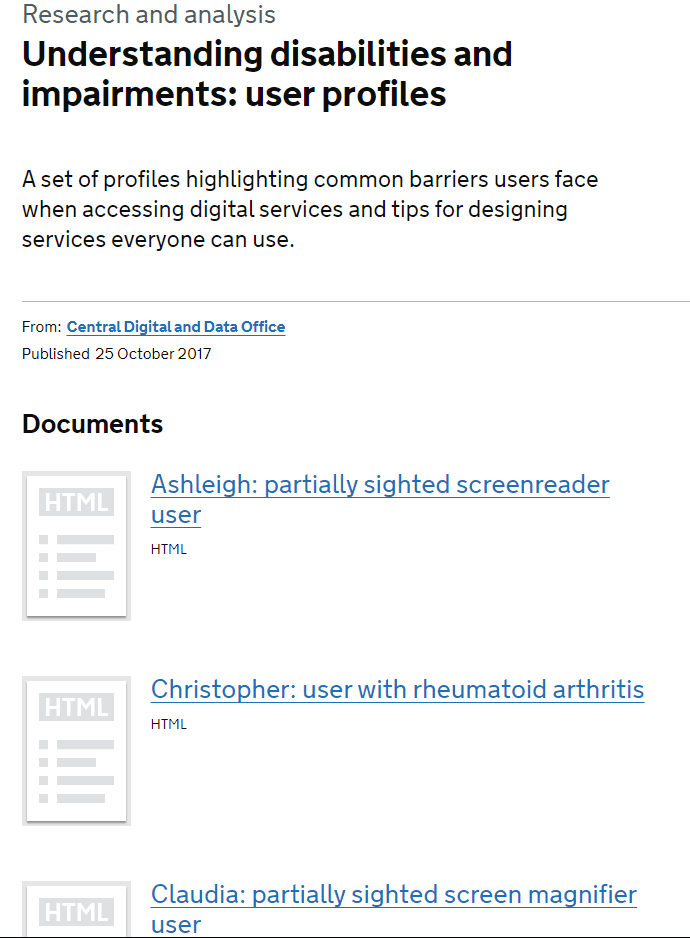
GOV.UK has pages that can help you get started with doing research with disabled people. They also have user profiles from their own research. These have information on different types of conditions and impairments. They also include the user needs of those people.
- Finding participants for user research (GOV.UK)
- Running research sessions with disabled people (GOV.UK)
- User profiles of people with access needs (GOV.UK)
W3C resources
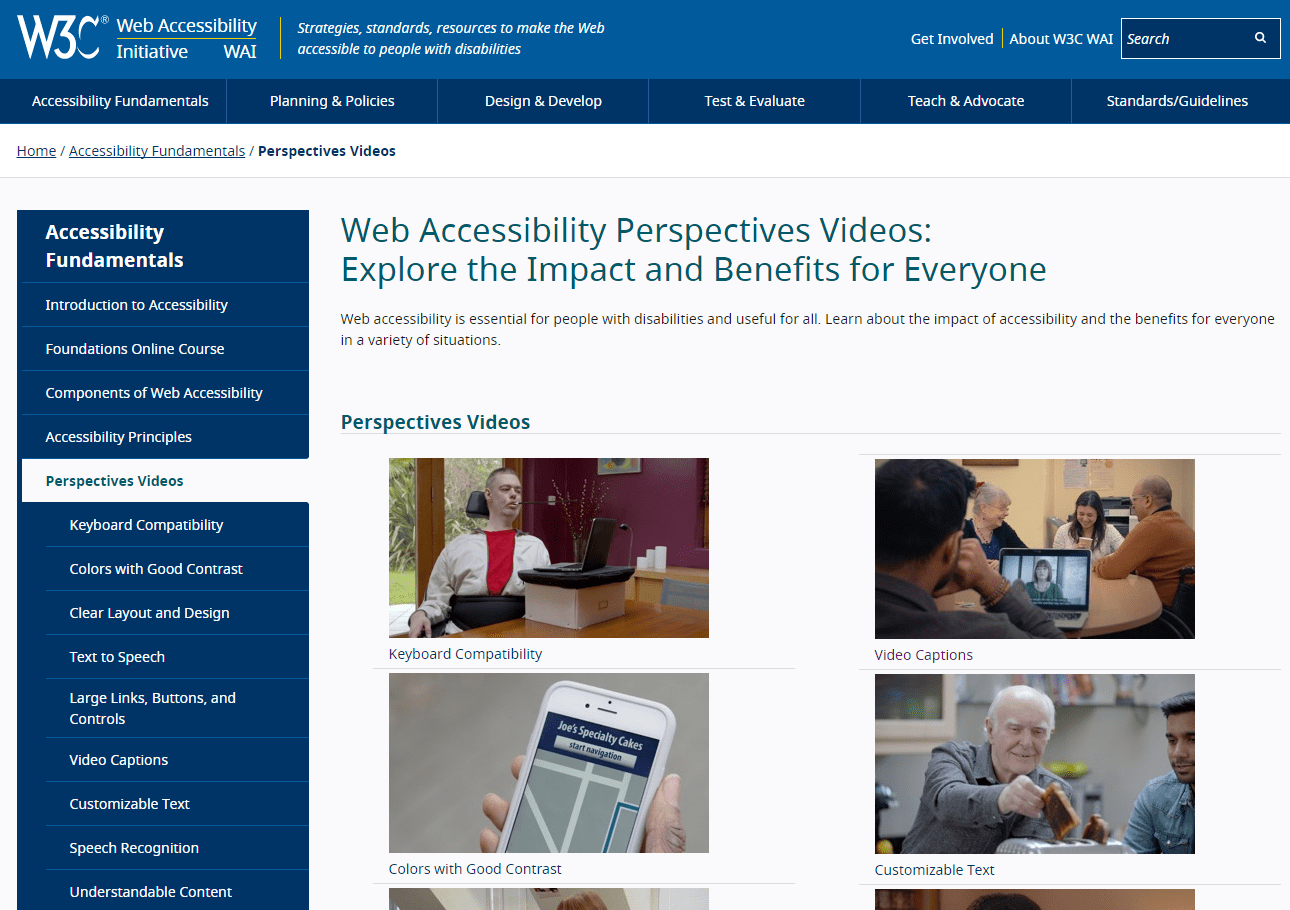
The organisation that creates the Web Content Accessibility Guidelines (WCAG) also offers guidance. W3C has information on:
- different types of users
- the barriers they face
- the technology they use to remove those barriers
These pages should not replace research and testing with your own customers. But they can help with understanding and spread awareness across your organisation.
- Stories of web users (W3C)
- Web accessibility perspective videos (W3C)
- Making Content Usable for People with Cognitive and Learning Disabilities (W3C)
Learn about accessibility barriers and lived experiences
We’ve collected some examples of web accessibility needs by impairment or condition.
This is not exhaustive but can help you start thinking about different user needs. You should still learn more about a range of conditions and impairments, not just the ones we’ve included. For example, autism, ADHD, and motor impairments.
Web accessibility for people with anxiety
This is not a blog but two articles. Anxiety and panic disorders are often overlooked when talking about accessibility. The first article covers some barriers people with anxiety and panic disorder experience. The second looks at how to remove those barriers.
- Accessibility for people with anxiety and panic disorders: Part 1 (Paciello Group blog)
- Accessibility for people with anxiety and panic disorders: Part 2 (Paciello Group blog)
Web accessibility for people with dyslexia
Dyslexia is often forgotten when thinking about accessibility. Accessible and inclusive content is not often prioritised. But it’s essential for accessibility for a range of disabled people. And improves usability for everyone. Below are some lived experiences and tips for your dyslexic readers.
- Accessibility and me: Dealing with dyslexia (Gov blog)
- How to write better website content for people with dyslexia (Scope for business)
- Accessibility tips for people with dyslexia (Simply accessible)
Web accessibility for people with visual impairments
Learning about different types of visual impairments and barriers can help you with best practices.
We’ve included a link to a free screen reader you can download on Windows to test content with. However, we strongly recommend you test with real users. The tool can help with fixing obvious issues. But a non-disabled user will use the tool very differently from a screen reader user. If you use Mac, Apple has Voiceover built-in.