Video and audio accessibility
What you will learn in this chapter
- Resources on creating accessible video and audio
- GIF accessibility guidance
- Resources for creating social video content
Introduction
All your video and audio content needs to be accessible. This benefits a range of people, including those disabled by situational impairments. Like trying to access a video in a public place.
You need captions and transcripts for videos:
- embedded in presentations
- hosted on your website or
- promoted on social channels
W3C audio and video media resources
W3C has a detailed guide to making your audio and video media accessible. This includes planning for accessibility at the start of your project.
It also includes guidance on:
- Making audio and video content
- Audio descriptions of visual information
- Captions and subtitles
- Transcripts
- Sign Languages
- Media Players
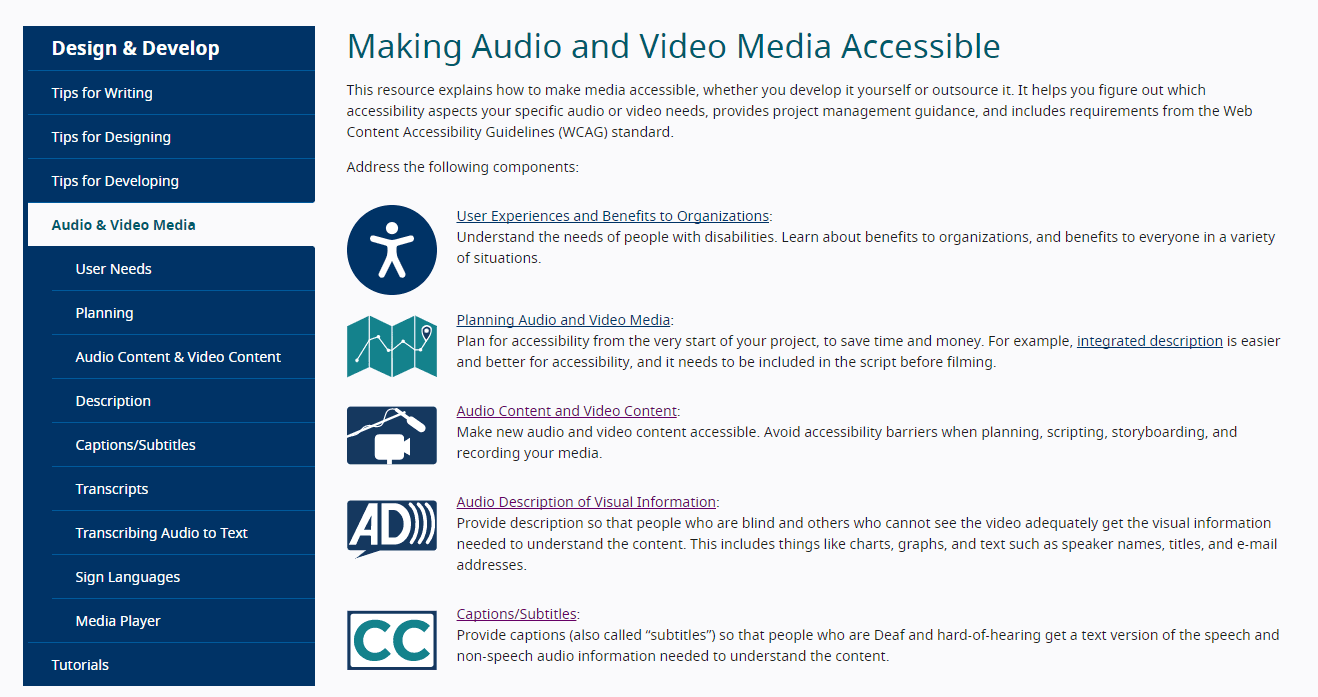
The guidance breaks down different elements of each topic. For example, tips for speakers, the script, and recording set up.
Making Audio and Video Media Accessible (W3C)
You can also watch a video on captions in W3C’s ‘web accessibility perspectives’ series. There’s also some information on the benefits of captions and links to more resources.
General guidance on video accessibility
These articles give you an overview of video accessibility. They explain the difference between closed and open captions. They also have guidance on transcripts and audio descriptions.
Captions, transcripts, and audio descriptions (WebAIM)
A guide to using subtitles, captions and transcripts for accessibility (Scope for business)
This video from Microsoft gives you an introduction to audio description. Explaining what it is and why it matters to people who are blind. Includes some best practices for including in videos.
Audio description at a glance (Microsoft)
We also recommend looking at these Government resources. The Government Communication Service has guidance on adding audio descriptions to your videos.
Adding an audio description to your videos (Government Communication Service)
And the Government Digital Service offers useful tips on making videos accessible.
GIF accessibility
Gifs are essentially video files. You need to be able to add alt-text to them to make them accessible. You can do this on Twitter as you would an image.
On other platforms or programmes you may need to provide a plain text version. For example, you’ll need to explain your gif in your social post or on the page.
If your website is a WordPress site, there’s a plugin you can get to make your gifs accessible.
Accessible GIFs WordPress plugin
Video and audio accessibility on social media
Depending on the social media platform, you may be able to add closed captions when you upload your video. For others, like Twitter and Instagram, you’ll need to embed captions in the video (open captions).
You must add captions to your video to make it accessible. If you have a transcript already, this will be much easier.
Try not to rely on auto-captioning like on YouTube and Facebook, these can be inaccurate. If you do use them, make sure you check the captions and edit any errors before publishing.
You can find guidance on making your social videos more accessible in these articles:
- How to make your Twitter feed more accessible (Scope for business)
- How to make your Facebook business page more accessible (Scope for business)
- How to make your Instagram account more accessible (Scope for business)