


Reviewing the accessibility of products and services
What you will learn in this chapter
- Reviewing accessibility
- Tools you can use to check accessibility
- Accessibility audits
Introduction
The first step is to look at the Web Content Accessibility Guidelines (WCAG). This tells you the basics of what you need to do to be legally compliant. You then need to review your current accessibility. This will tell you what criteria you’re failing and what you need to improve.
You can use guidance and audit tools to help review your online products. Here are a few to get you started.
How to assess accessibility yourself
W3C, the organisation who wrote WCAG, explains how to check for accessibility issues. These are things you can easily and quickly fix. You’ll still need to do a full assessment to improve accessibility.
This ‘first review’ includes things like:
- page titles
- alt-text
- headings
- keyboard access
Check the accessibility of a webpage (W3C)
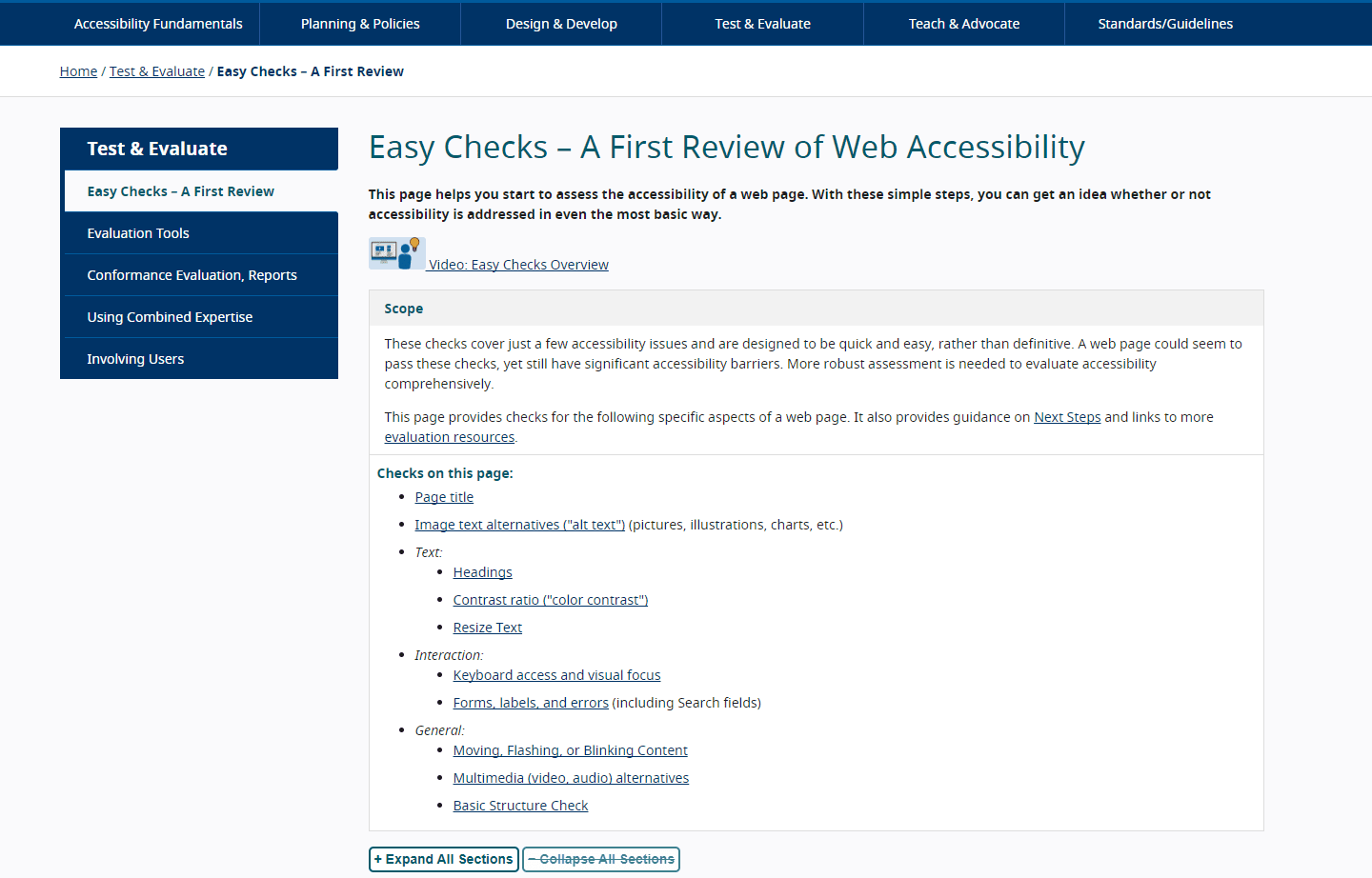
You can also do some testing with assistive technology. This GOV.UK blog post shares some tools you can use to test.
Assistive technology tools you can test with at no cost (Gov accessibility blog)
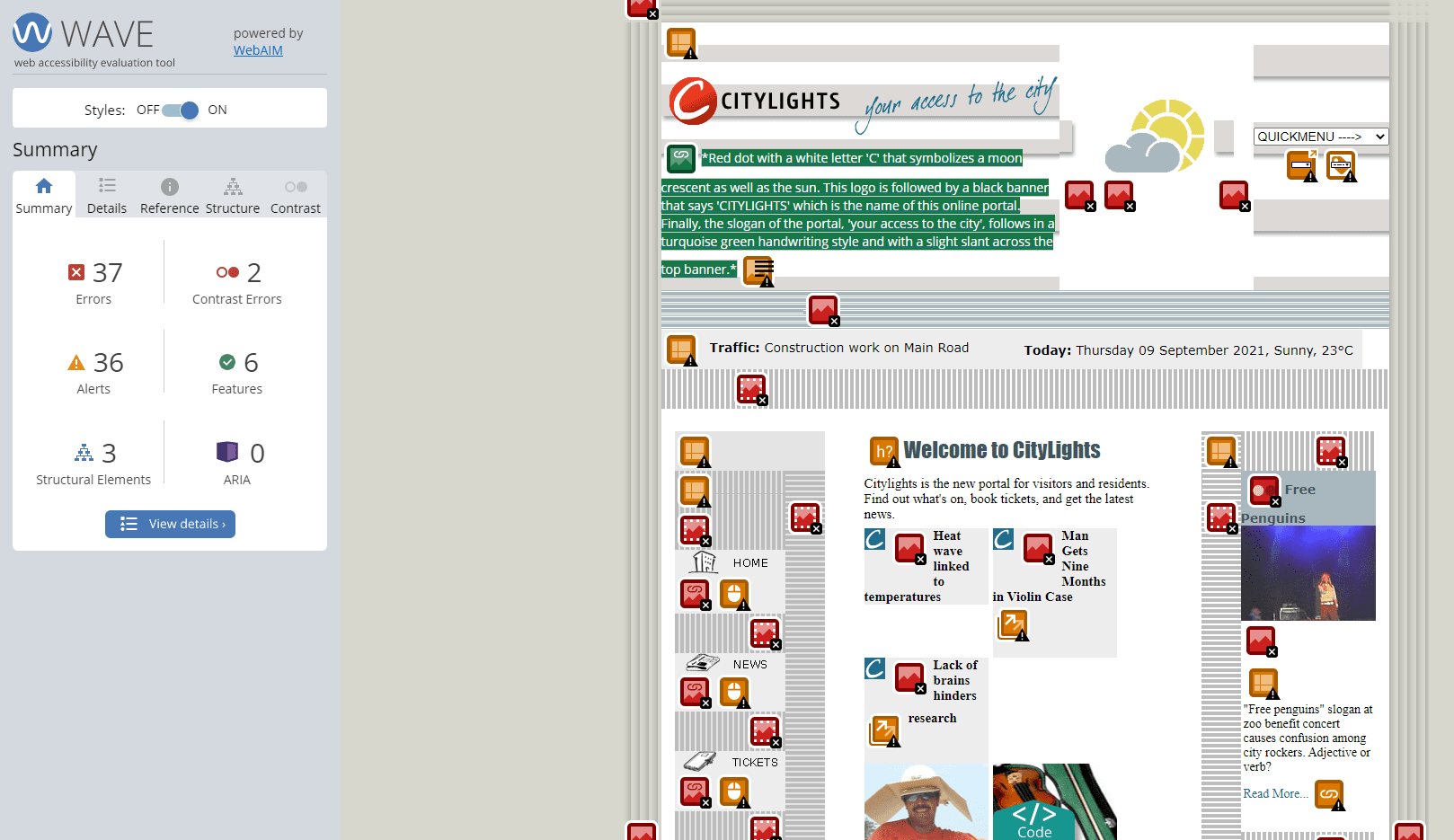
WAVE Web Accessibility Evaluation Tool
The WAVE tool is a helpful chrome extension that can help you review the accessibility of a webpage. It’s not perfect and will not pick everything up. But it’s great for checking:
- WCAG errors and alerts
- heading structure and missing headings
- missing links
- contrast errors
- missing alt-text
WAVE Web Accessibility Evaluation Tool (WebAim)
Accessibility Insights tool
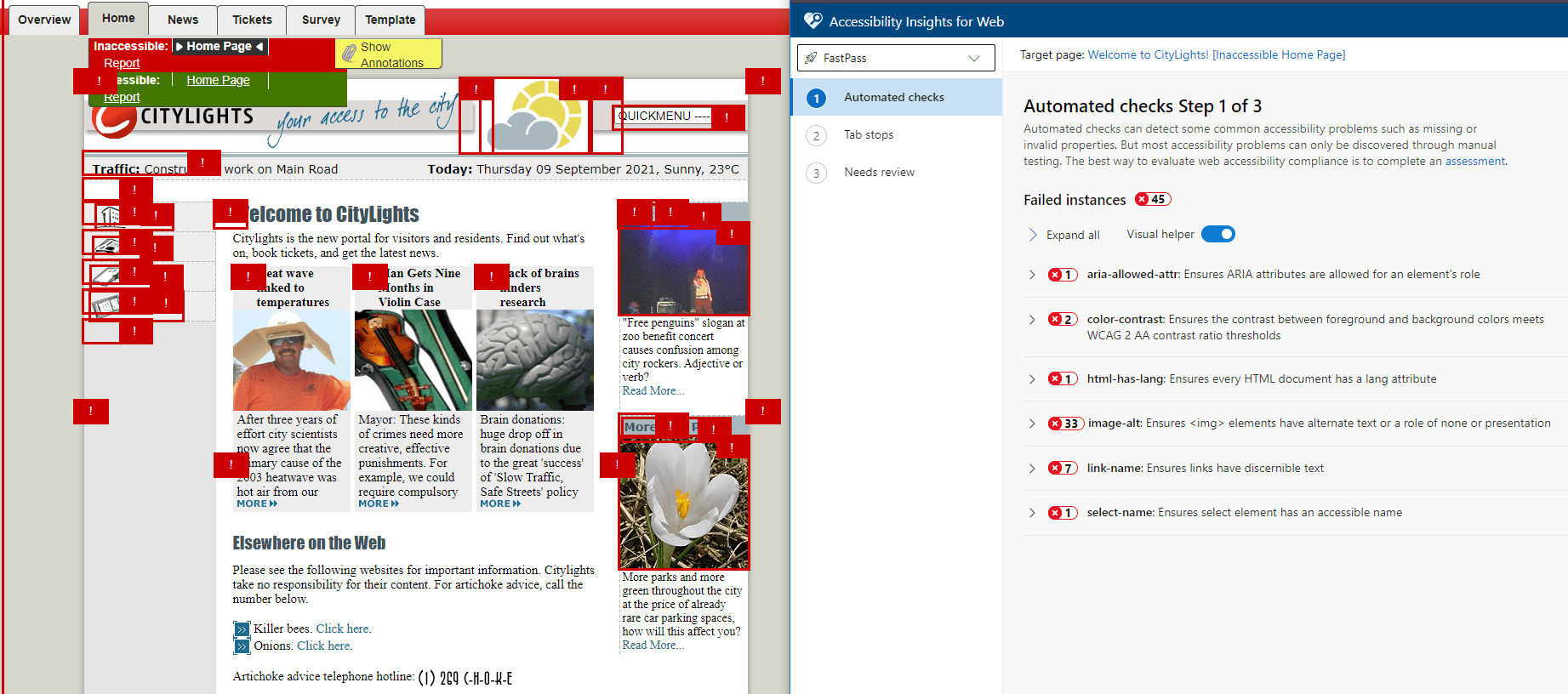
This tool helps you review and test the accessibility of websites and applications. This is a more thorough assessment tool and is more technical than WAVE. There are 3 options for you to use:
- FastPass – this finds the most common accessibility issues in 5 minutes
- Assessment – this takes you through a guided process for assessing accessibility compliance
- Ad hoc tools – this offer visualisations to help identify accessibility issues
FastPass is a great quick check. It will highlight the errors on your page and give you detailed information about each. It also tells you how to fix the error. You can get the browser extension or desktop app.
Accessibility Insights tool (Microsoft)
Google Lighthouse automated audits
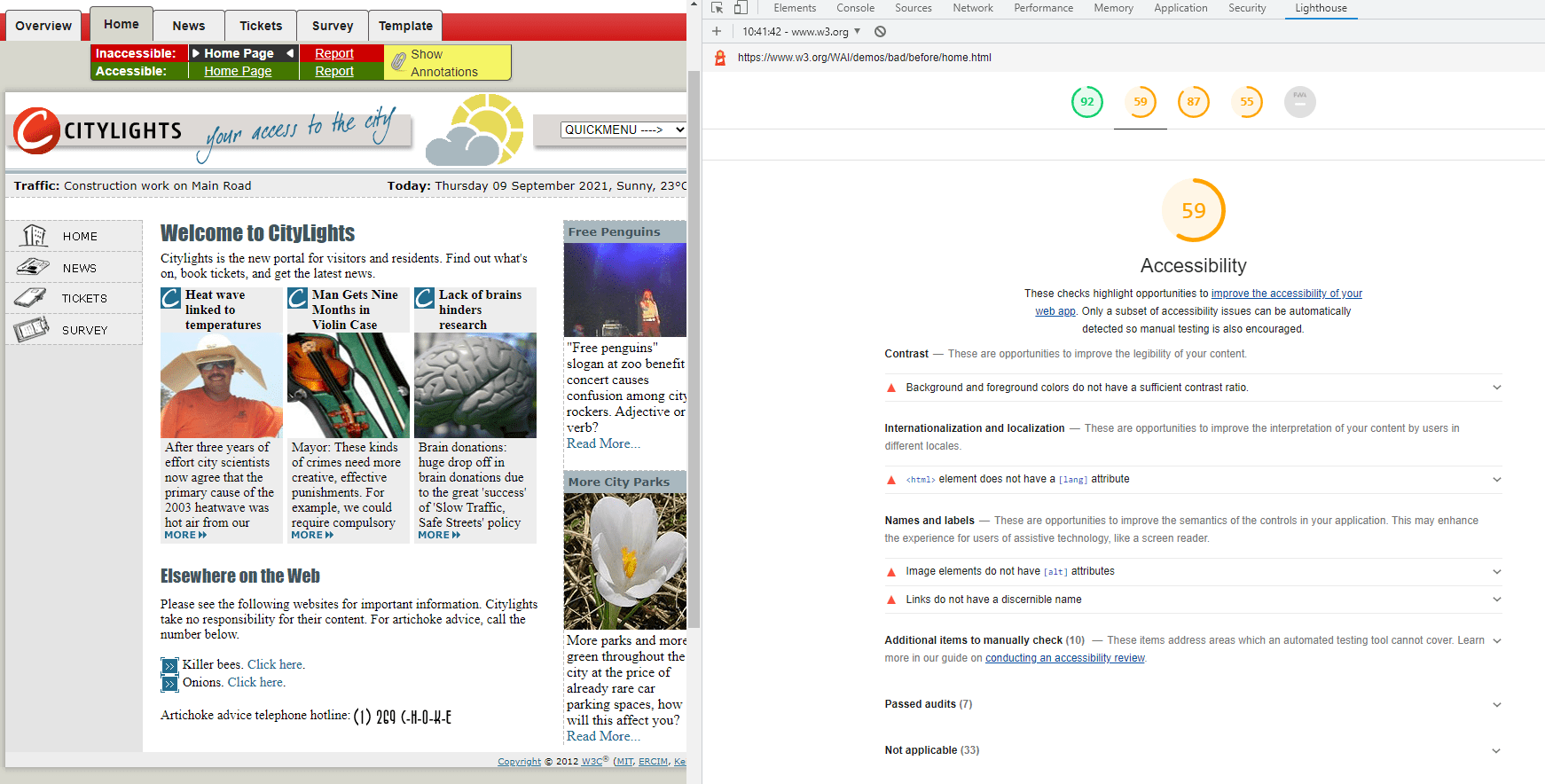
Lighthouse is an automated tool for improving the quality of web pages. You can run it against any web page. It audits more than just accessibility. It also includes performance, progressive web apps, SEO and more.
This tool is much more technical and requires a good understanding of code. This is because the report highlights code errors alongside things like contrast ratio.
Google Lighthouse automated audits
Manual and automated auditing
There are two types of audit. Automated or manual. The tools and plugins on this page are automated tools. They do not highlight everything you’ll need to do to make your products and services accessible.
A manual accessibility audit can give you a detailed understanding of WCAG failures. It’ll also give you recommendations on how to improve.
Important
Audits should not replace doing research and testing with disabled people. They can help you test your site against WCAG criteria. Fixing those errors will make you legally compliant. But it does not guarantee your website is accessible. Research and testing will tell you about the barriers disabled customers still experience.